Product · November 25, 2026
Sinkly launches a major update
A smoother community setup, a console shaped around your brand, smarter rank invites, community plans and a dedicated Windows experience — together in Sinkly.

Max Dultwich
Owner
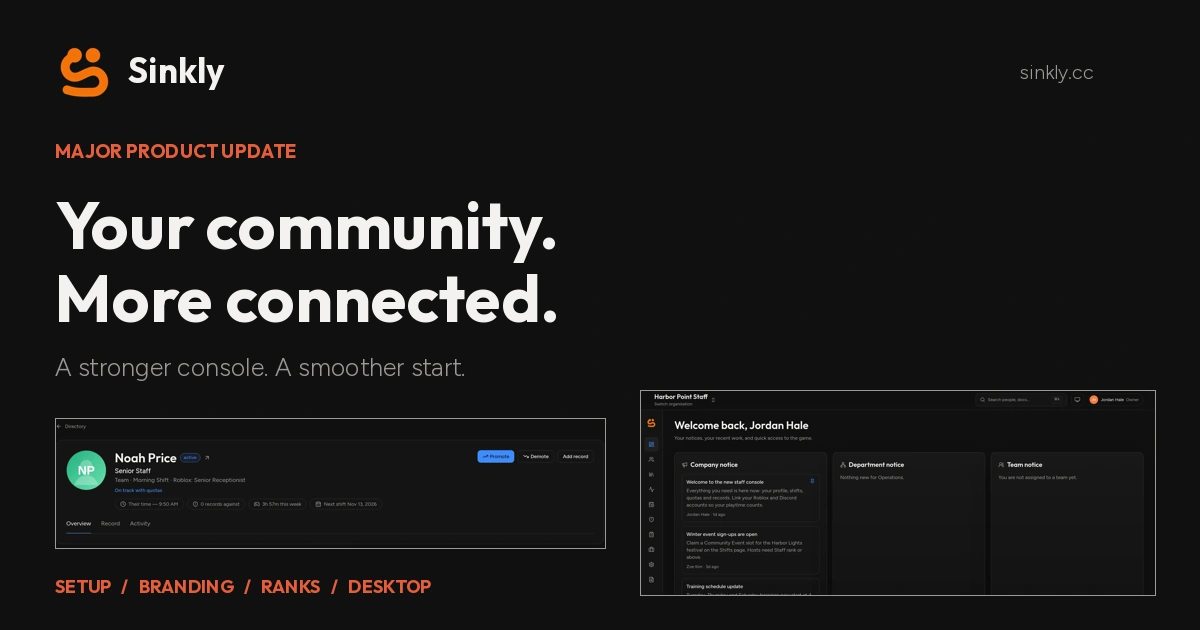
We have launched a major update to Sinkly. It brings a smoother way to create communities, more control over your console's look, new tools for welcoming and moving staff, community-based plans and a dedicated Windows experience. Here is what has changed.
A better start for every community
Creating a community now follows a guided setup: choose your Roblox group, shape your community's identity, connect Discord, choose the ranks you want to track and review everything before launch. Discord setup checks that the bot has Administrator access before you continue, and the console's Getting started checklist brings unfinished essentials back into view.
Rank imports now focus on tracked staff ranks instead of creating access ranks for everyone in your group. We also make the Roblox group-bot connection a prominent next step, so owners can prepare linked rank changes from the start.
Your brand, throughout the console
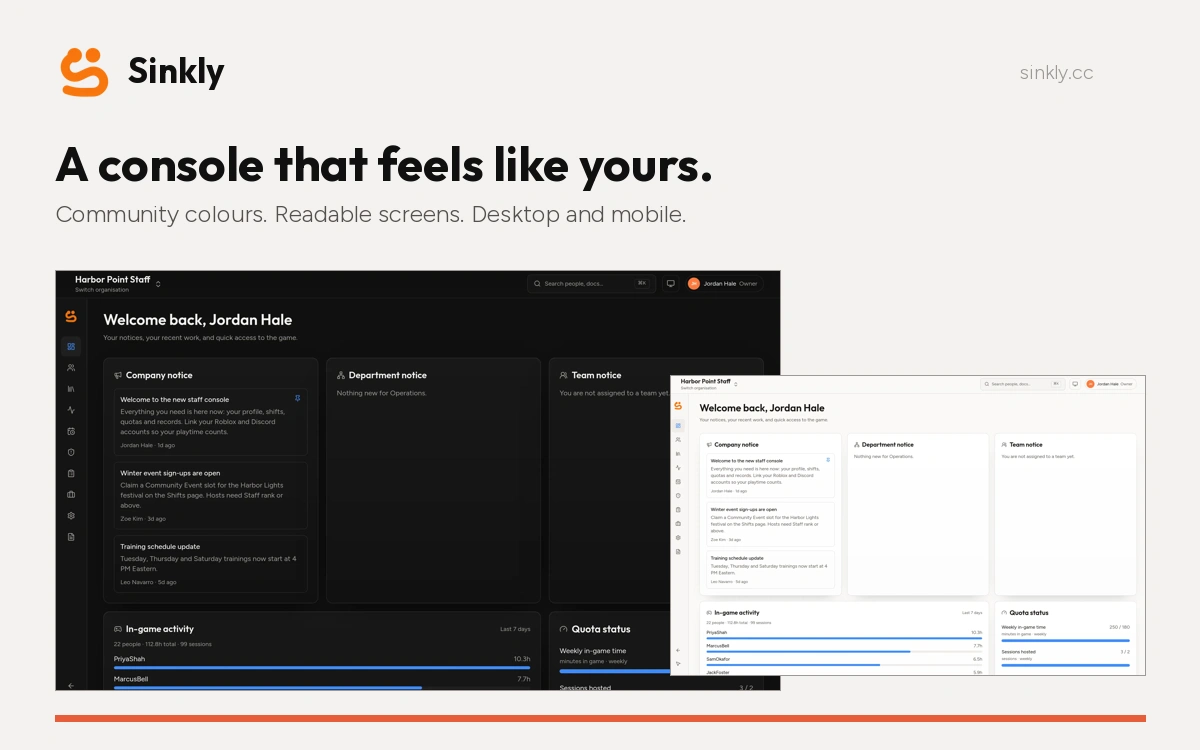
Console Studio gives communities more freedom over backgrounds and accents, with colour templates, solid, gradient and glow styles, and live previews. Text, borders, surfaces and the Sinkly logo adapt to keep the console readable rather than relying on one dark background.
We have also improved smaller-screen layouts. Staff names and profile details wrap more naturally, pictures resize, community cards fit compact screens and key profile actions remain available on phones.
Invite links that understand your team
Community managers can create rank invite links with required Discord servers and Roblox groups. When someone uses a link, Sinkly checks those requirements before granting the configured rank. The link also re-checks its maker's current permissions, so it cannot grant more access than they are allowed to give.
Transfer links can move someone to a lower rank when that is part of joining a new team. Sinkly makes that change explicit and requires the person to accept the lower rank before it is applied.
Plans built around communities
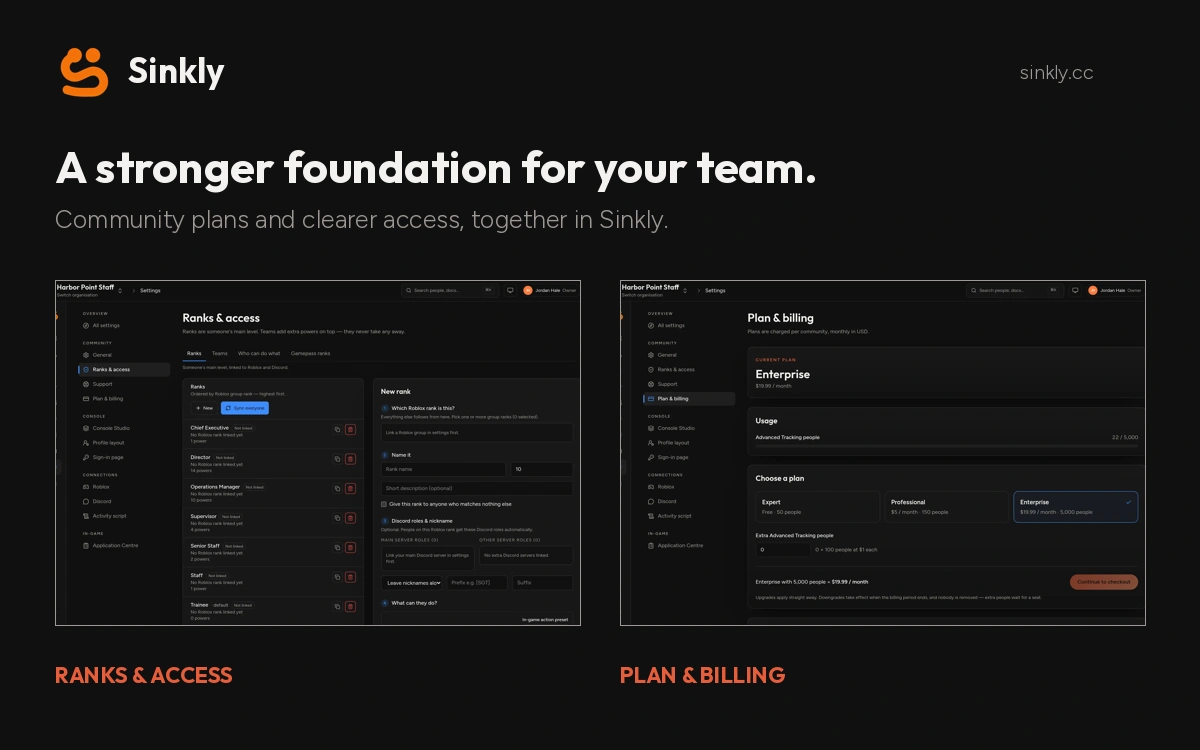
Expert, Professional and Enterprise are community plans, not personal subscriptions. Owners can see their plan, usage and Advanced Tracking options in Plan & billing, while extra tracking capacity can be added as a community grows. If Advanced Tracking is full, new eligible people wait for space instead of existing staff being removed.
Enterprise includes a personal Discord bot and a private Sinkly sign-in page with the community's branding and its own sinkly.cc address. Scheduled downgrades now take effect at the end of the paid period.
A Discord presence that feels like your community
Communities with a connected personal bot can choose its status text, activity type and presence mode from their settings. We have also added an always-on presence helper for the Sinkly bot and connected personal bots. Presence depends on that helper running on an always-on host; connecting a token alone does not keep a bot online.
Sinkly on Windows
The Windows app gives community teams a dedicated place for their console, settings and sign-in. Public website experiences such as the homepage, documentation and newsroom open in the browser instead. The app follows the live Sinkly website, so console improvements reach it without a separate static copy of the platform.
Clearer guidance and a more dependable experience
Our documentation now matches the pages, settings and labels people actually see, with dedicated guides for creating a community and understanding plans and billing. Guides include authentic demonstration screenshots, and the help assistant draws on the same public information.
Account settings include show-and-hide password controls and a reset-link option. Sinkly detects your browser's timezone as the initial choice instead of assuming everyone shares one location. We have strengthened staff-access boundaries, improved account-name and avatar fallbacks, made news images more resilient and refined page loading and phone layouts.
Roblox group management, through official authorization
We have built a separate Community Management Bot connection using Roblox's official approval flow. It is designed to let owners choose approved groups and let authorized staff apply linked rank changes without sharing an account security cookie.
The new Roblox app is private and subject to Roblox's review and access rules, so this connection is not yet generally available to every community. Existing supported ranking connections remain available while that process continues.
Explore the update
Open your community to explore Console Studio, Plan & billing and the new invite-link tools, or create a community with the guided setup. The result is a more personal, connected place to run your Roblox and Discord staff team.
— The Sinkly team